Further explanation
This is an additional management method in addition to the scheduling execution method.
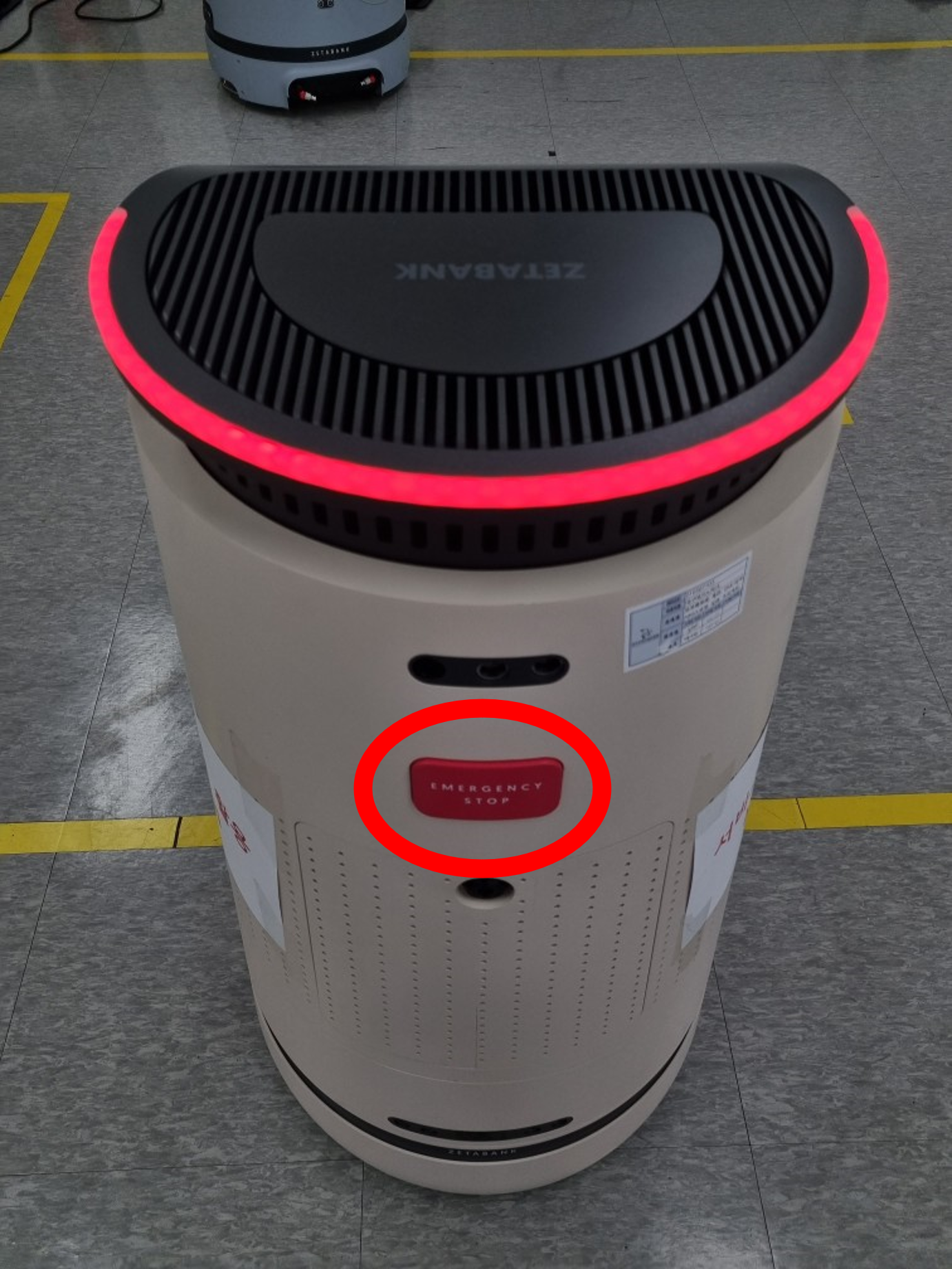
There is an emergency stop button on the back of the robot
When the button is pressed, the led flashes in red.
In order to push the robot with force, the power of the robot must be turned off.
E-Stop mode is released by pressing the button once more.
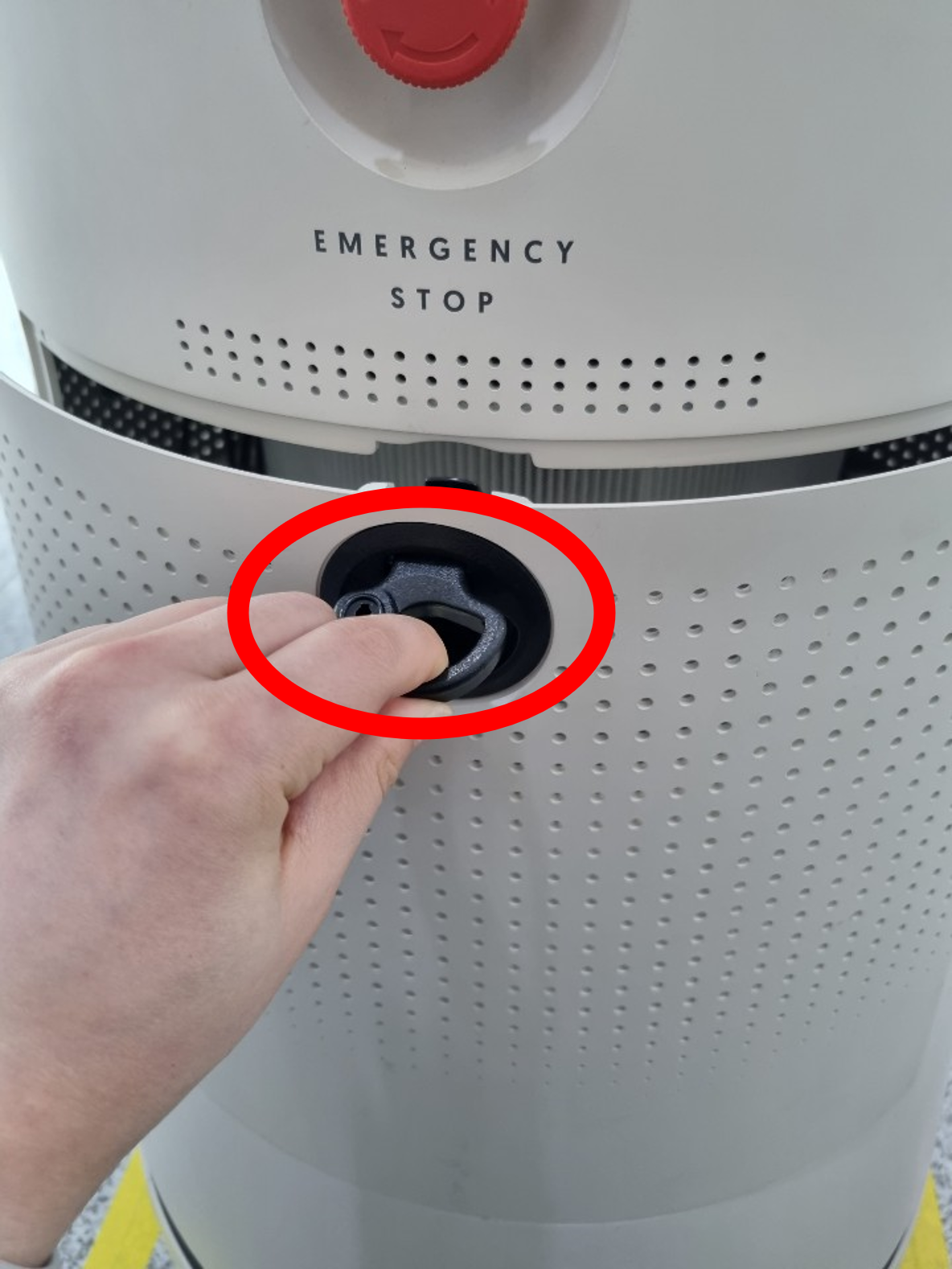
The case can be opened by pulling the rear hook. (Each robot version has a different way to open it.)
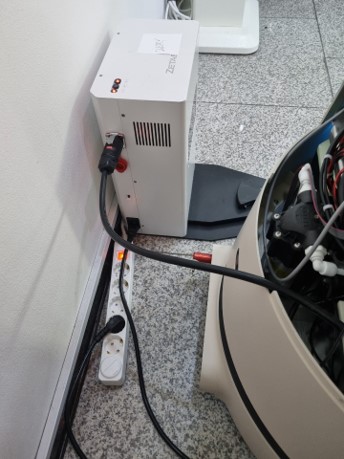
If discharged inevitably,
Open the case and take out the charging cable.
You can manually charge the battery by plugging it into the connector on the right side of the station.
Actions in case of other problems
- If the robot runs out of the designated route or place, turn off the robot, move it to the starting position, and then turn on the power.
- If the robot is stationary for a long time, run a few laps around the robot. If it still remains stationary, power off the robot, move it to the starting position, and power it on.
- If something goes wrong while the station is charging, press the e-stop button to slowly pull the robot back and then turn off the power.